


Help › Lil Regie features › Adding multiple map links for eventlets
Adding multiple map links for eventlets
Different ways to convey location info for multiple eventlets
By now, you've probably noticed the option to add a link to your event's location on the main event details page:
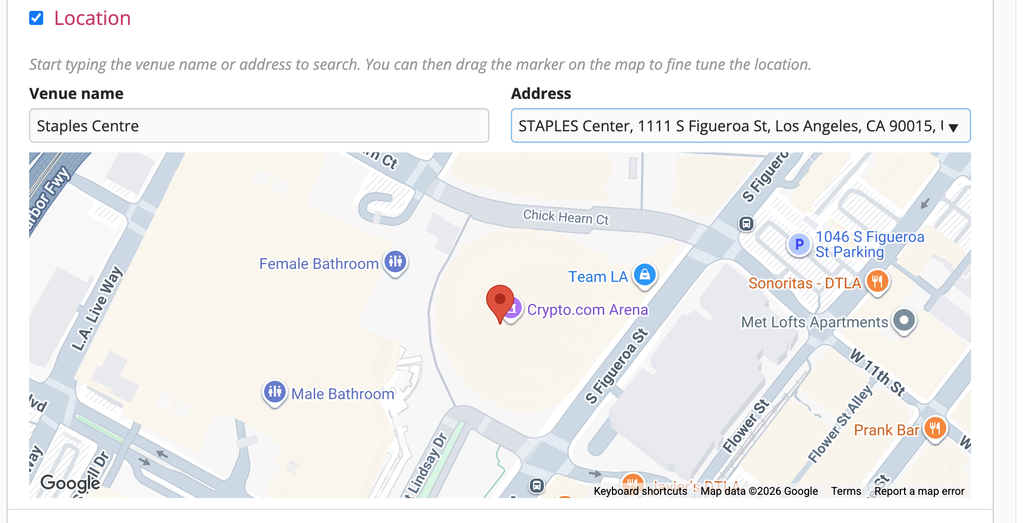
If you're running multiple eventlets in different locations, it might seem like you're out of luck, but fortunately we have a few different options to help you provide map links for these too.
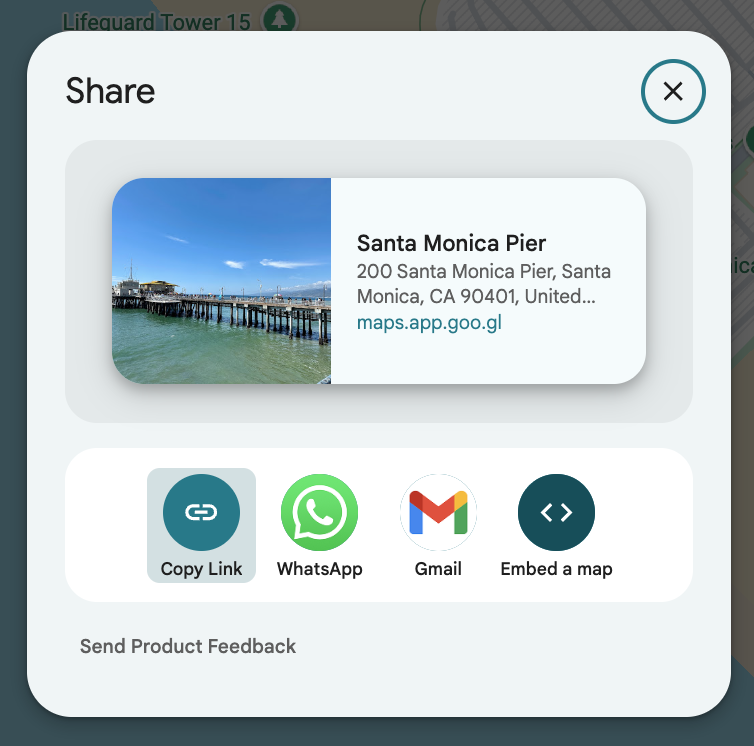
You'll first need to navigate to http://google.com/maps and get the link for your location via the 'share' option (or just copy the link from your address bar):
Then hop back over to your event, and click "Edit" for the eventlet in question.
You have several options here!
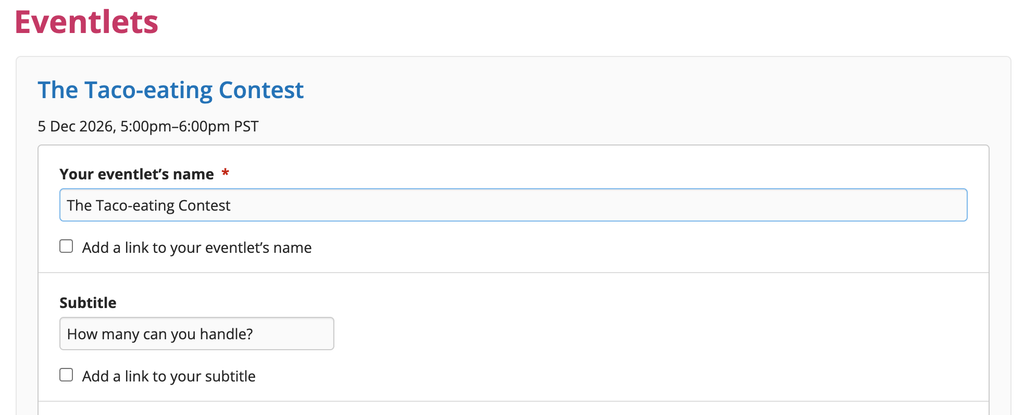
If you add your link to the "Add a link to your eventlet' name" field, then the map link will show up as "More details" on your registration form and open in a new browser tab:
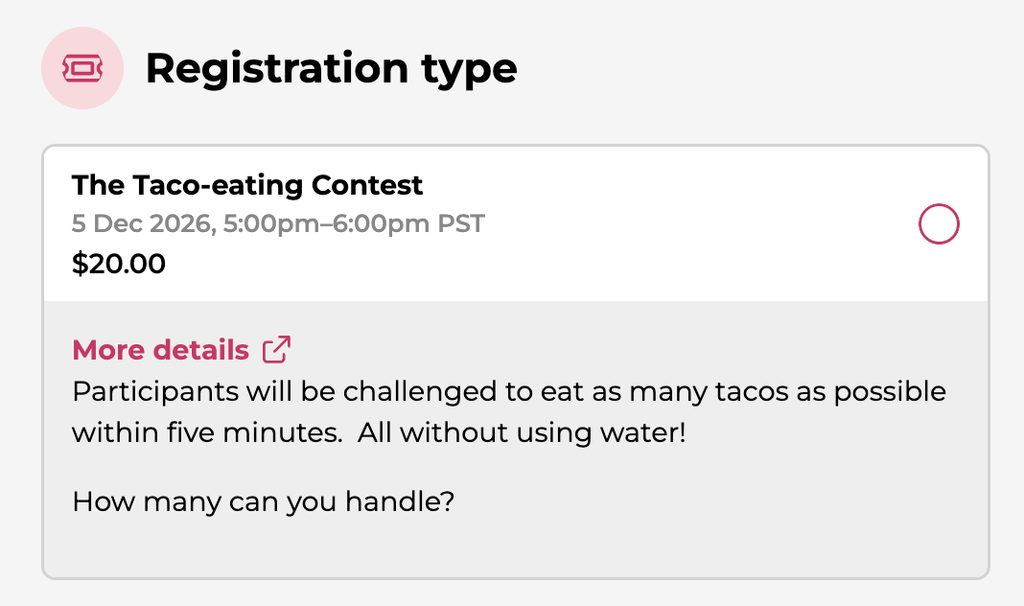
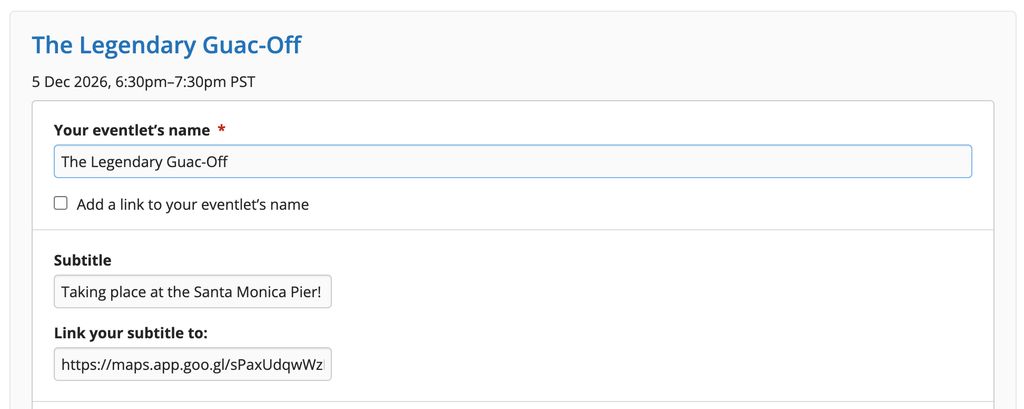
Another option is to enter a subtitle of your choice, and select the checkbox to "Link your subtitle to:". Paste in the link to your google maps location, and save:
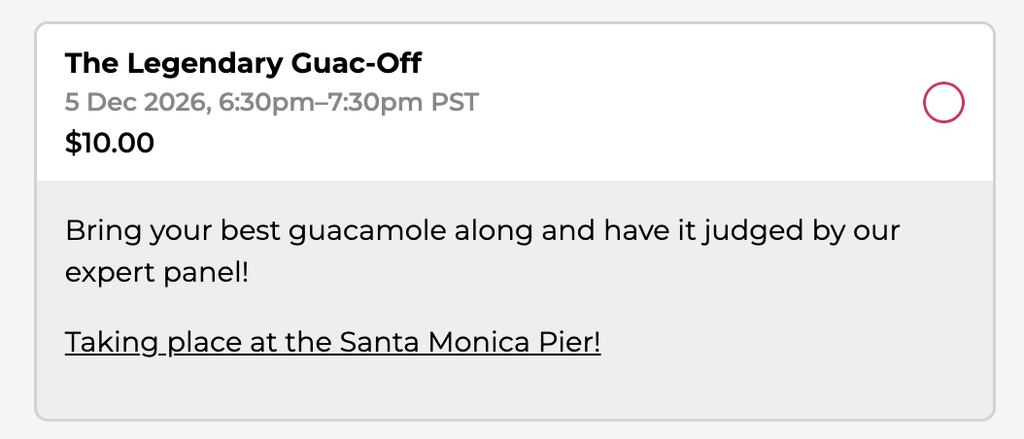
This will give you:
Finally, there's also the option to include a link to your location in the eventlet's description field:

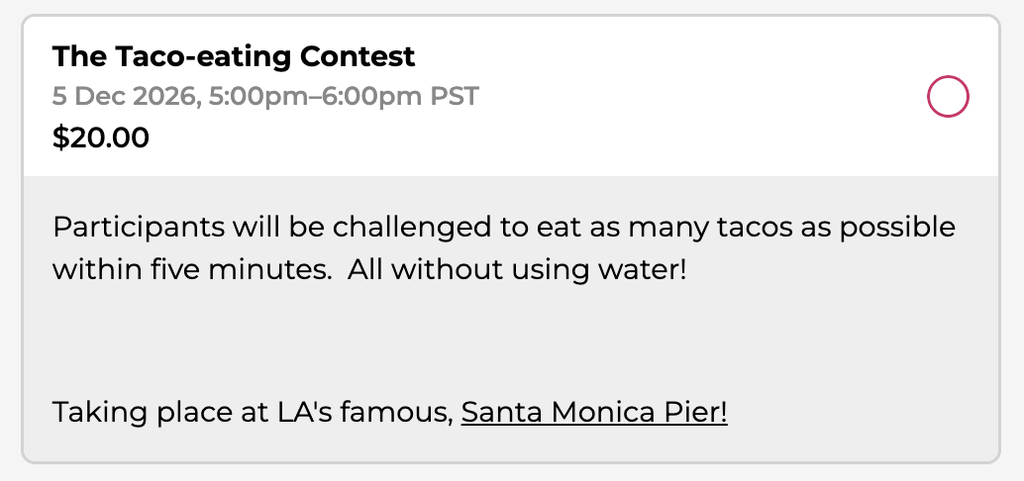
This will show on the form as follows: