



Help › Creating your events › Setting your eventlets up
Setting your eventlets up
Pushpay Events Team Revised
You'll be prompted to enter details for each eventlet:
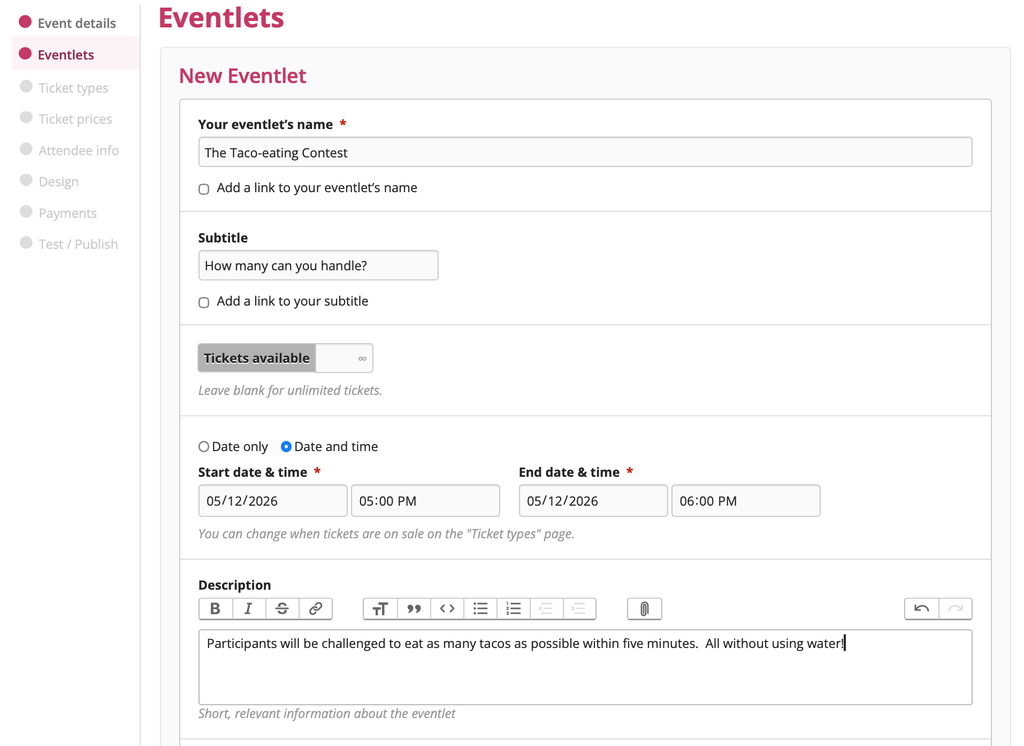
You can add links to websites with more details about the eventlet and a fully-formatted description of it. Click the "Save and add another eventlet" button to add more eventlets.
Add in the relevant details for that eventlet:
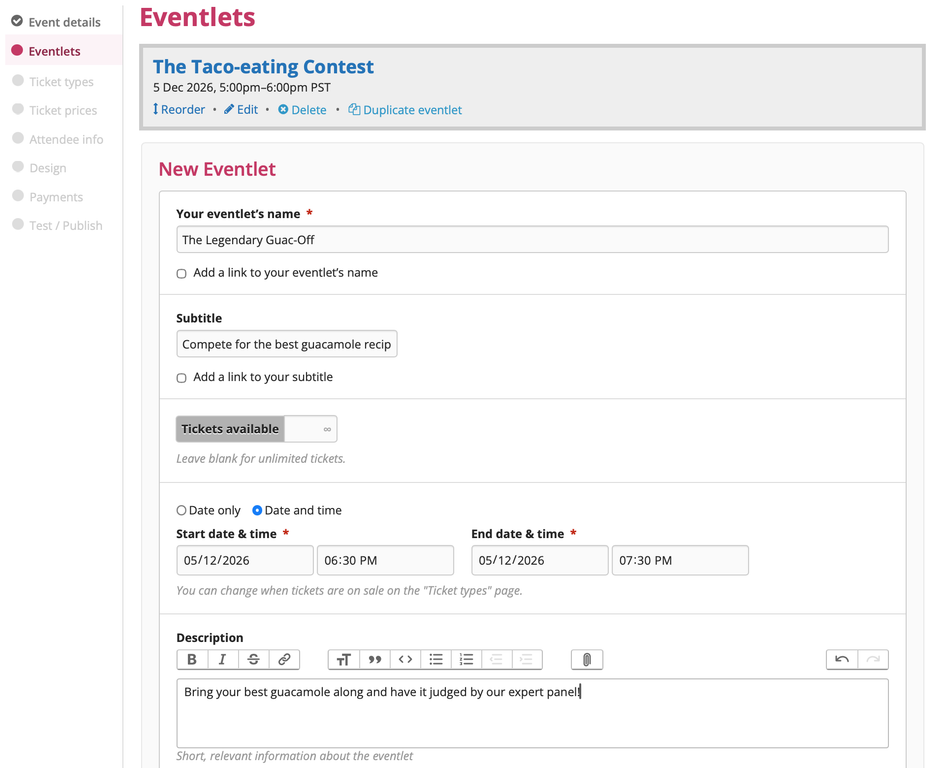
When you've finished creating all your eventlets, click the "Save" button to choose what sort of tickets you want to sell and their prices!